
AI Tools Developer tools Machine Learning
PixelTagger
An Offline Desktop Tool for Image Annotation.
Version 1.0, updated October 19, 2026
Buy
$29.99 One-time payment. The same price on every system.Sold in Microsoft App Store directly on your PC with Windows operating system.
Buy for Windows (opens in a new tab)Not available yet
Coming soonScreenshots
About this app
PixelTagger is a desktop-native image annotation application built for machine learning engineers and computer vision teams who need to create accurate labeled datasets without relying on cloud services, subscriptions, or browser-based tools. It’s currently available as a free beta for Windows 10/11, macOS 11+ (Intel and Apple Silicon), and Ubuntu 20.04+.
Core philosophy: Everything runs locally. There are no uploads, no account requirements, and no privacy exposure — images and annotations never leave the user’s machine.
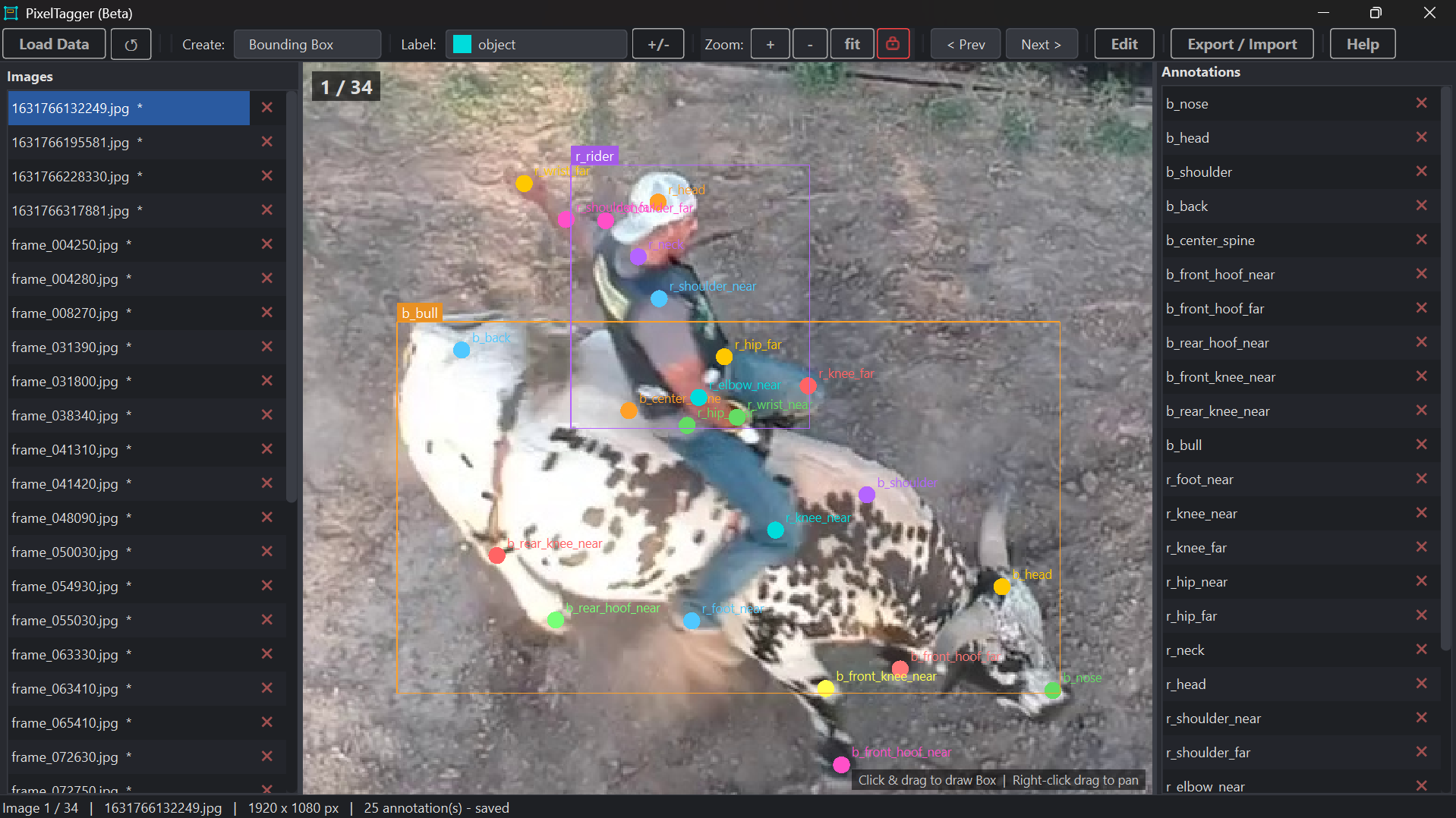
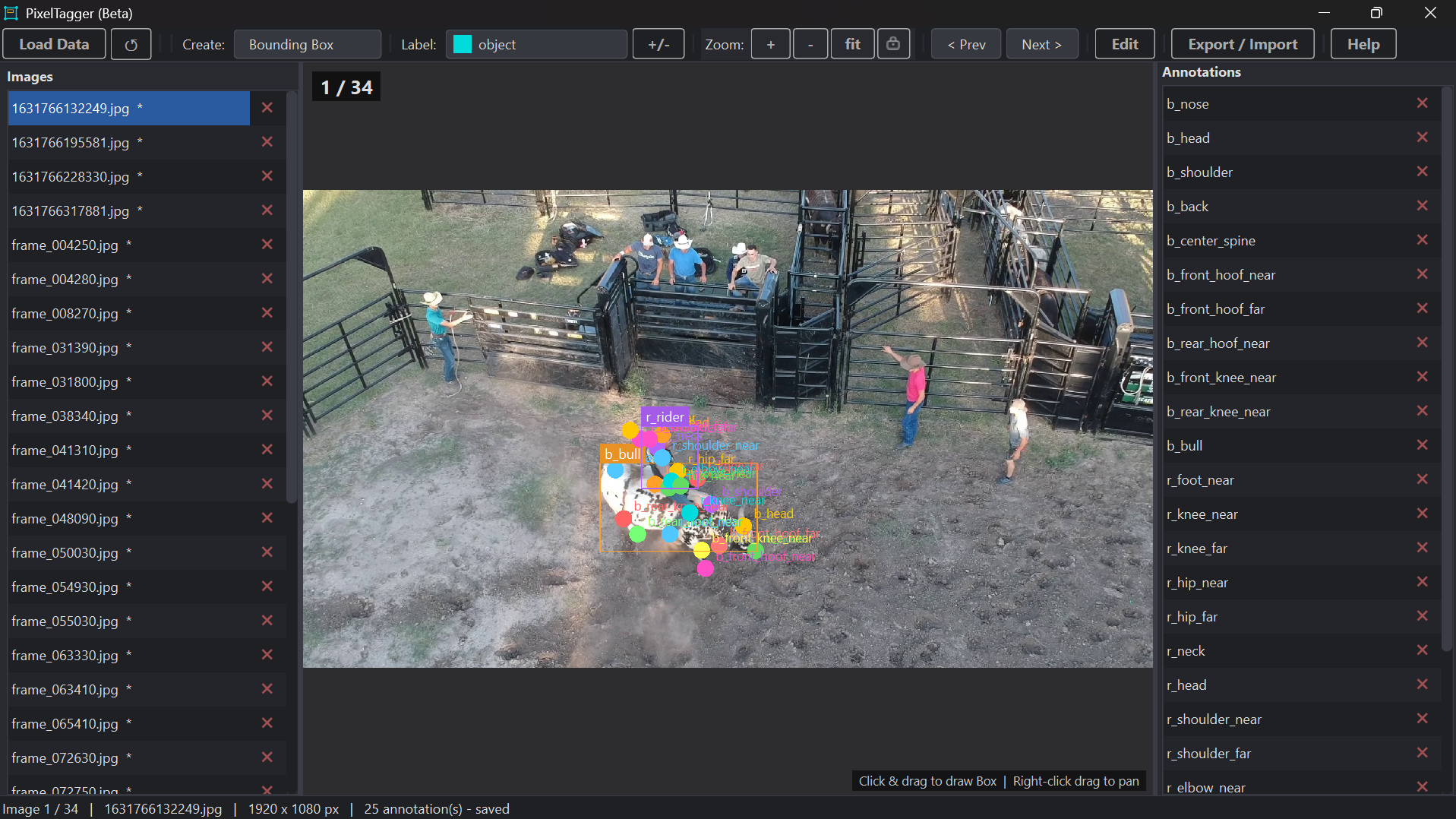
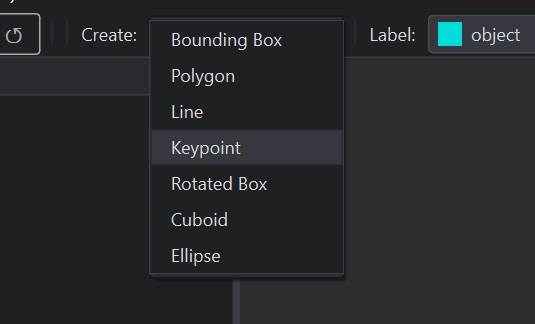
Annotation capabilities: The software supports seven shape types to cover nearly any computer vision labeling task: bounding boxes, polygons, keypoints, lines, rotated boxes, cuboids, and ellipses.
Key features:
- Keyboard-first workflow — designed for fast, uninterrupted annotation without needing the mouse
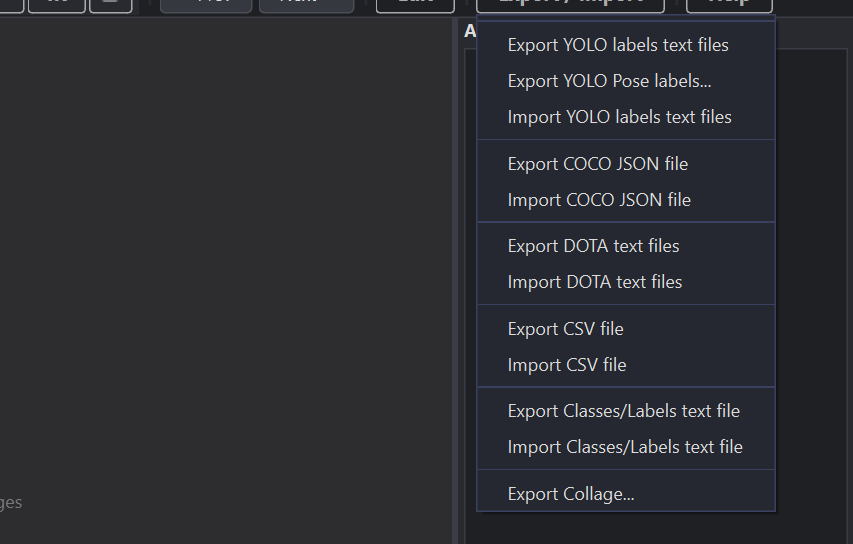
- Multi-format export — YOLO, COCO JSON, DOTA, CSV, and Pascal VOC XML, with the ability to switch formats without losing annotation data
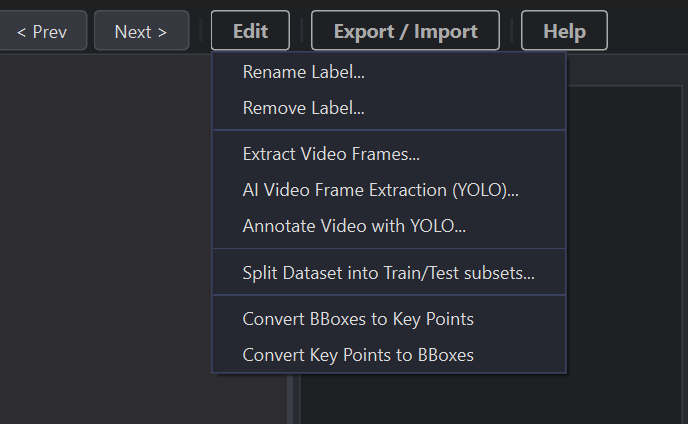
- Video frame extraction — pull individual frames from video files directly into a dataset
- AI-assisted frame extraction — run YOLO models (v10/v11/v12) against a video to automatically pull only frames containing (or lacking) target labels
- Automated video annotation — run YOLO inference across every frame of a video and export an annotated version with boxes, keypoints, and labels rendered in
- One-click train/test splitting at a custom ratio
- Auto-zoom lock for easier annotation of small objects
- Collage export for generating a visual grid of labeled crops, useful for quick QA review
Getting started is a simple four-step flow: install, load an images folder (plus an empty annotations folder), annotate with auto-saving, then export directly into a training pipeline.
PixelTagger is made by PreciseAI, LLC, and since it’s still in beta, some features may be incomplete.